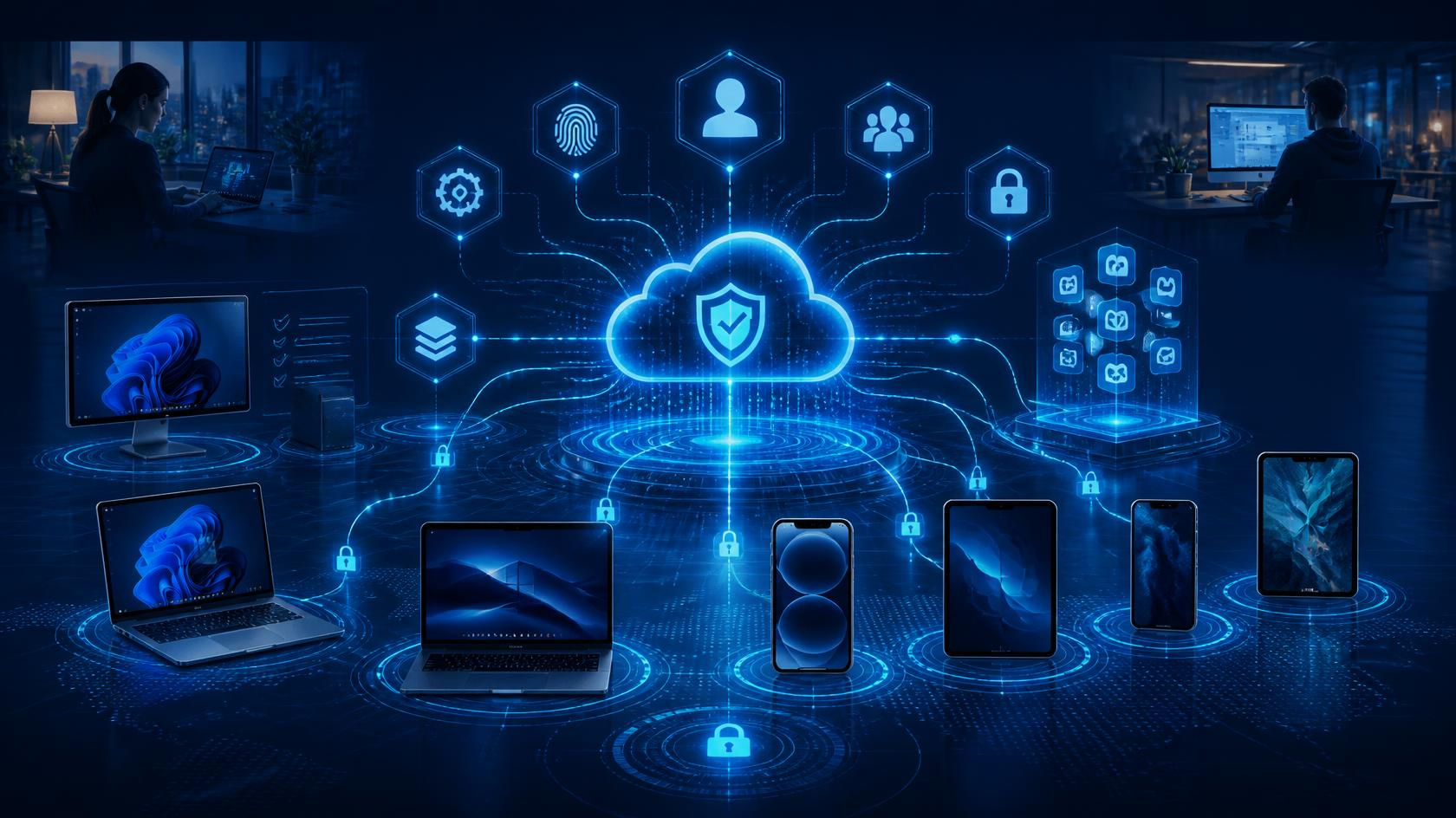



Remote and hybrid work have transformed the way organisations operate. Employees can collaborate from virtually anywhere, increasing flexibility, productivity, and access to global talent. However, this shift has also expanded the attack surface for cybercriminals. Home networks, personal devices, unsecured Wi-Fi connections, and cloud-based collaboration tools all introduce new security risks that businesses must address.
Securing a remote workforce is no longer just an IT concern. It is a critical business priority that requires a combination of technology, policies, employee awareness, and continuous monitoring. This guide explores the key strategies organisations can implement to protect their remote employees and sensitive business data.
Why Remote Workforce Security Matters
Traditional office environments benefit from centralised security controls, including corporate firewalls, managed devices, and on-site IT support. Remote work decentralises these protections and introduces new vulnerabilities.
Common security challenges include:
- Unsecured home networks
- Phishing and social engineering attacks
- Use of personal devices for work
- Weak password practices
- Data leakage through cloud applications
- Unpatched software and operating systems
- Insecure file sharing and collaboration tools
Cybercriminals often target remote workers because they may be working outside the traditional security perimeter. A single compromised device or account can potentially provide access to critical business systems and sensitive information.
1. Implement Strong Identity and Access Management
Identity has become the new security perimeter. Since employees access company resources from various locations and devices, robust authentication mechanisms are essential.
Enable Multi-Factor Authentication (MFA)
Multi-factor authentication requires users to verify their identity using two or more authentication methods, such as:
- Passwords
- Mobile authentication apps
- Hardware security keys
- Biometric verification
Even if credentials are stolen, MFA significantly reduces the likelihood of unauthorised access.
Adopt Single Sign-On (SSO)
Single Sign-On allows employees to access multiple business applications with one secure set of credentials. Benefits include:
- Improved user experience
- Reduced password fatigue
- Better centralised access management
- Faster onboarding and offboarding
Apply Role-Based Access Controls
Employees should only have access to the resources necessary for their responsibilities. Following the principle of least privilege minimises potential damage if an account is compromised.
2. Secure Remote Devices
Every remote device represents a potential entry point for attackers.
Use Company-Managed Devices
Whenever possible, provide employees with company-owned laptops and mobile devices that can be centrally managed and secured.
Corporate devices should include:
- Endpoint protection software
- Encryption
- Device management tools
- Secure configurations
- Automatic patch management
Enable Full-Disk Encryption
Data stored on laptops and mobile devices should be encrypted. If a device is lost or stolen, encryption prevents unauthorised access to sensitive information.
Maintain Software Updates
Unpatched systems are a common attack vector. Establish policies that ensure:
- Operating systems are automatically updated
- Applications receive timely security patches
- Legacy software is retired when no longer supported
3. Strengthen Endpoint Security
With remote work, endpoint protection becomes one of the most important layers of defence.
Deploy Advanced Endpoint Detection and Response (EDR)
EDR solutions go beyond traditional antivirus software by:
- Monitoring suspicious activity
- Detecting threats in real time
- Investigating incidents
- Supporting automated remediation
Modern EDR platforms can identify ransomware, malware, credential theft attempts, and unusual user behaviour before significant damage occurs.
Use Mobile Device Management (MDM)
MDM solutions help organisations manage smartphones and tablets by enabling:
- Enforced security policies
- Remote device wiping
- Application management
- Compliance monitoring
This is especially important in Bring Your Own Device (BYOD) environments.
4. Secure Home and Public Networks
Remote employees frequently connect through networks outside the organisation’s control.
Require Virtual Private Networks (VPNs)
VPNs create encrypted tunnels between employee devices and company resources, protecting data from interception.
Benefits include:
- Secure remote access
- Encrypted internet traffic
- Reduced exposure on public Wi-Fi
Educate Employees About Wi-Fi Risks
Employees should:
- Secure home routers with strong passwords
- Enable WPA3 or WPA2 encryption
- Avoid using public Wi-Fi without protection
- Regularly update router firmware
Simple awareness training can dramatically improve network security.
5. Protect Sensitive Data
Remote work often increases the movement and sharing of critical business information.
Implement Data Loss Prevention (DLP)
DLP solutions help organisations:
- Identify sensitive data
- Prevent unauthorised sharing
- Monitor risky user activity
- Enforce compliance policies
Classify Data
Not all information requires the same level of protection. Establish data classification categories such as:
- Public
- Internal
- Confidential
- Restricted
Once data is classified, appropriate controls can be applied consistently.
Use Secure Cloud Storage
Encourage employees to store files in approved cloud platforms rather than personal storage services or local devices.
Approved platforms should offer:
- Encryption
- Access controls
- Audit logs
- Backup and recovery capabilities
6. Adopt Zero Trust Security Principles
The traditional “trust but verify” model is no longer sufficient.
Zero Trust follows the principle:
Never trust, always verify.
Every access request should be validated based on:
- User identity
- Device health
- Location
- Behaviour
- Access context
Key components of Zero Trust include:
- Continuous authentication
- Conditional access policies
- Micro-segmentation
- Device compliance checks
This approach significantly reduces the risk of lateral movement within networks.
7. Train Employees to Recognise Cyber Threats
Technology alone cannot prevent every attack. Human error remains one of the leading causes of security incidents.
Conduct Security Awareness Training
Training should cover:
- Phishing identification
- Password security
- Safe browsing habits
- Social engineering awareness
- Data handling procedures
Run Phishing Simulations
Regular simulations help employees:
- Recognise malicious emails
- Improve vigilance
- Build confidence in reporting suspicious activity
Promote a Security-First Culture
Employees should feel comfortable reporting incidents without fear of blame. Early reporting often prevents minor issues from becoming major breaches.
8. Secure Collaboration and Communication Tools
Remote work relies heavily on digital collaboration platforms.
Review Application Security Settings
Ensure business collaboration tools are configured securely by:
- Restricting external sharing
- Enabling MFA
- Reviewing permissions regularly
- Monitoring access logs
Control Third-Party Integrations
Many SaaS applications allow third-party extensions and integrations. Unapproved applications may introduce security risks.
Organisations should establish governance processes for:
- Application approvals
- Vendor evaluations
- Security assessments
9. Establish Incident Response Procedures
Even with strong security controls, incidents can still occur.
Create a Remote Incident Response Plan
The plan should define:
- Reporting procedures
- Escalation paths
- Investigation processes
- Communication protocols
- Recovery actions
Test Your Response
Conduct tabletop exercises and simulations to verify that teams can respond effectively to various scenarios, including:
- Ransomware attacks
- Account compromise
- Data breaches
- Device theft
Regular testing improves readiness and reveals process gaps.
10. Monitor and Continuously Improve Security
Security is not a one-time project. Threats continuously evolve, and organisations must adapt accordingly.
Implement Continuous Monitoring
Security monitoring should include:
- Endpoint activity
- User behaviour
- Network traffic
- Cloud applications
- Authentication events
Perform Regular Security Assessments
Routine assessments help identify weaknesses before attackers do. Consider:
- Vulnerability scanning
- Penetration testing
- Configuration reviews
- Compliance audits
Measure Security Performance
Track metrics such as:
- Phishing susceptibility rates
- Patch compliance percentages
- MFA adoption rates
- Incident response times
- Vulnerability remediation timelines
These metrics provide valuable insights into the effectiveness of security programmes.
Best Practices Checklist for Remote Workforce Security
✅ Enforce multi-factor authentication
✅ Use company-managed devices whenever possible
✅ Encrypt all endpoints
✅ Keep systems patched and updated
✅ Deploy endpoint detection and response solutions
✅ Require VPN or secure remote access technologies
✅ Implement data loss prevention policies
✅ Adopt Zero Trust principles
✅ Train employees regularly
✅ Secure collaboration platforms
✅ Prepare incident response plans
✅ Continuously monitor and improve security controls
Conclusion
As remote and hybrid work become permanent fixtures of the modern workplace, organisations must rethink traditional cybersecurity strategies. Effective remote workforce security requires more than simply providing employees with laptops and cloud access. It involves creating a comprehensive security framework that combines identity protection, endpoint security, employee education, data governance, and continuous monitoring.
Businesses that invest in a proactive security strategy can reduce risk, protect sensitive information, maintain regulatory compliance, and empower their workforce to work securely from anywhere. In today’s threat landscape, securing your remote workforce is not just an IT initiative. It is a fundamental business requirement for long-term resilience and success.