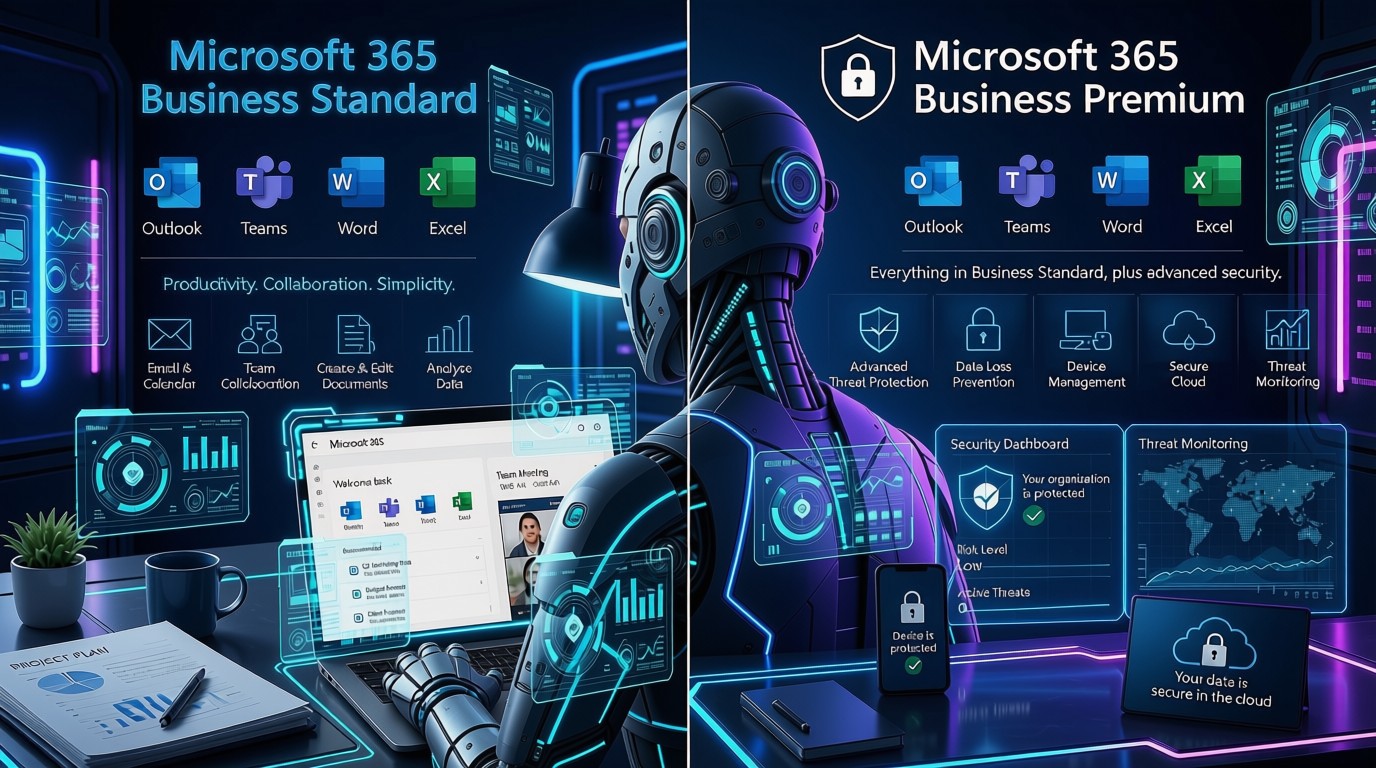


Small businesses must leverage technology not just to survive, but to thrive. Whether you’re a sole trader, a growing startup, or a family-run enterprise, budgeting for IT is essential to ensure your operations run smoothly, securely, and efficiently.
This guide provides a comprehensive breakdown of how to approach IT budgeting with clarity and confidence.
1. Understand Why IT Budgeting Matters
IT is no longer a luxury, it’s a necessity. From email systems and accounting software to cybersecurity and customer relationship management (CRM), technology underpins nearly every aspect of business.
Why it matters:
- Cost control: Prevent overspending and avoid surprise expenses.
- Strategic planning: Align tech investments with business goals.
- Risk management: Protect against data breaches and downtime.
- Operational efficiency: Automate tasks and improve productivity.
- Scalability: Prepare for future growth without disruption.
Without a clear IT budget, small businesses risk falling behind competitors or facing costly emergencies.
2. Assess Your Current IT Setup
Before planning future spending, you need to understand what you already have. Conduct a thorough audit of your IT assets and services.
Key areas to assess:
- Hardware: Age, condition, and performance of desktops, laptops, tablets, printers, and servers.
- Software: Licences, renewal dates, compatibility, and usage.
- Connectivity: Broadband speed, reliability, and network infrastructure.
- Security: Antivirus software, firewalls, backup systems, and data protection measures.
- Support: Internal IT staff or outsourced providers—what’s covered and what’s not.
This audit helps identify inefficiencies, outdated systems, and areas needing investment.
3. Identify Your Business Needs
Your IT budget should reflect your business’s unique goals and challenges. Avoid a one-size-fits-all approach.
Questions to ask:
- Are you planning to expand your team or open new locations?
- Do you need to support remote or hybrid working?
- Are you handling sensitive customer or financial data?
- Do you need to comply with industry regulations (e.g. GDPR, PCI-DSS)?
- Are you looking to improve customer service or automate processes?
For example, a retail business may prioritise point-of-sale systems and e-commerce platforms, while a consultancy may focus on secure file sharing and communication tools.
4. Break Down Your IT Budget Categories
Organising your budget into clear categories helps you track spending and make informed decisions.
a. Hardware
- Replacement cycles (e.g. every 3–5 years)
- New devices for staff
- Peripheral equipment (monitors, keyboards, printers)
- Server upgrades or cloud migration
b. Software
- Productivity tools (Microsoft 365, Google Workspace)
- Accounting software (Xero, QuickBooks)
- CRM systems (HubSpot, Zoho)
- Industry-specific applications (e.g. construction, legal, hospitality)
c. IT Support & Services
- Managed service providers (MSPs)
- On-demand tech support
- IT consultancy for strategic planning or project implementation
d. Cybersecurity
- Antivirus and anti-malware subscriptions
- Endpoint protection
- Secure backup and disaster recovery solutions
- Cybersecurity audits and penetration testing
- Staff training on phishing and data protection
e. Internet & Communications
- Business-grade broadband
- VoIP phone systems
- Collaboration tools (for example Microsoft Teams)
f. Training & Development
- Onboarding for new systems
- Ongoing staff training
- Certifications for IT staff (if applicable)
5. Plan for Recurring vs One-Off Costs
Understanding the difference between ongoing and one-time expenses helps with cash flow and forecasting.
Recurring costs:
- Monthly software subscriptions
- Cloud storage fees
- IT support retainers
- Broadband and mobile contracts
One-off costs:
- Purchasing new hardware
- System upgrades or migrations
- Website redesign or app development
- Cybersecurity audits
Build these into your financial planning to avoid budget shortfalls.
6. Include a Contingency Fund
Technology can be unpredictable. A contingency fund acts as a safety net for:
- Emergency hardware replacements
- Unexpected software renewals
- Cybersecurity incidents
- Regulatory changes requiring new systems
Tip: Allocate 10–15% of your total IT budget for contingencies. This can be adjusted based on your industry’s risk profile.
7. Consider Outsourcing
Hiring full-time IT staff may not be cost-effective for smaller businesses. Outsourcing offers flexibility and access to expertise.
Benefits of outsourcing:
- Predictable monthly costs
- Access to specialists without recruitment
- Scalable services as your business grows
- Reduced downtime and faster issue resolution
Look for local providers with experience supporting SMEs and transparent service-level agreements (SLAs).
8. Review and Adjust Regularly
Your IT budget should evolve with your business. Regular reviews help you stay on track and adapt to changes.
Review schedule:
- Quarterly: Check actual vs planned spending, adjust for seasonal needs.
- Annually: Reassess long-term goals, renew contracts, and plan upgrades.
Use these reviews to identify cost-saving opportunities, such as consolidating software licences or switching providers.
9. Use Budgeting Tools
Digital tools can simplify budgeting and expense tracking.
Useful tools:
- Xero: Cloud-based accounting with expense tracking and reporting.
- QuickBooks: Ideal for small businesses with payroll and VAT features.
These tools allow you to tag IT-related expenses, generate reports, and forecast future costs.
10. Stay Informed
Technology changes rapidly. Staying informed helps you make smarter decisions and avoid outdated investments.
Ways to stay updated:
- Subscribe to tech newsletters (e.g. TechRadar, Wired UK)
- Attend webinars or local business events
- Join industry associations or networking groups
- Follow government guidance on cybersecurity and digital transformation
Being proactive ensures your IT budget remains relevant and future-proof.
Final Thoughts
Budgeting for IT in a small business is about more than just numbers, it’s about aligning technology with your business strategy. By taking a structured, informed approach, you can maximise value, minimise risk, and build a resilient digital foundation for growth.
Whether you’re just starting out or scaling up, a well-crafted IT budget is one of the smartest investments you can make.